ESPHome firmware for ESP32 with GGreg20_V3 – solution to the problem with the pulse counter
Problem solution - in the example for ESPHome firmware with ESP32 controller, the pulse counter stopped working
0 Comments
04.01.2025


Problem solution - in the example for ESPHome firmware with ESP32 controller, the pulse counter stopped working
Our site and the GGreg20_V3 DIY Geiger counter product are referenced by the author of the book Francesco Riggi, published by Springer in April 2024 under the title Educational and Amateur Geiger Counter Experiments.
Our Etsy store has been awarded the Etsy Star Seller badge for two months in a row. This was made possible thanks to our valued customers and the efforts of the IoT-devices team that designs, manufactures and ships our IoT and DIY products worldwide from Ukraine.
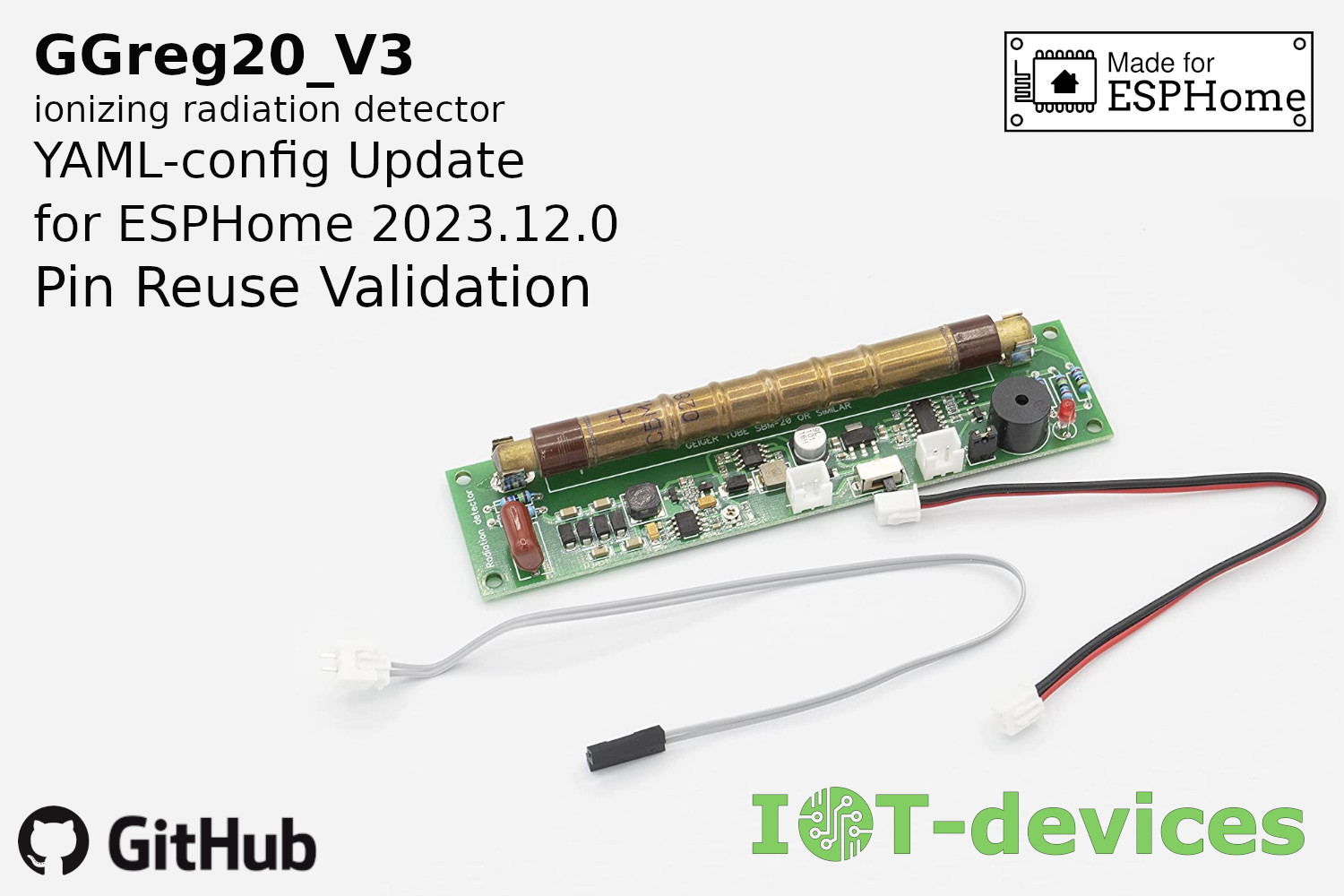
Recently, the ESPHome firmware has been changed to prevent the same controller I/O ports from being reused to create different entities. This mechanism is called Pin Reuse validation: https://esphome.io/changelog/2023.12.0.html#pin-reuse-validation These…
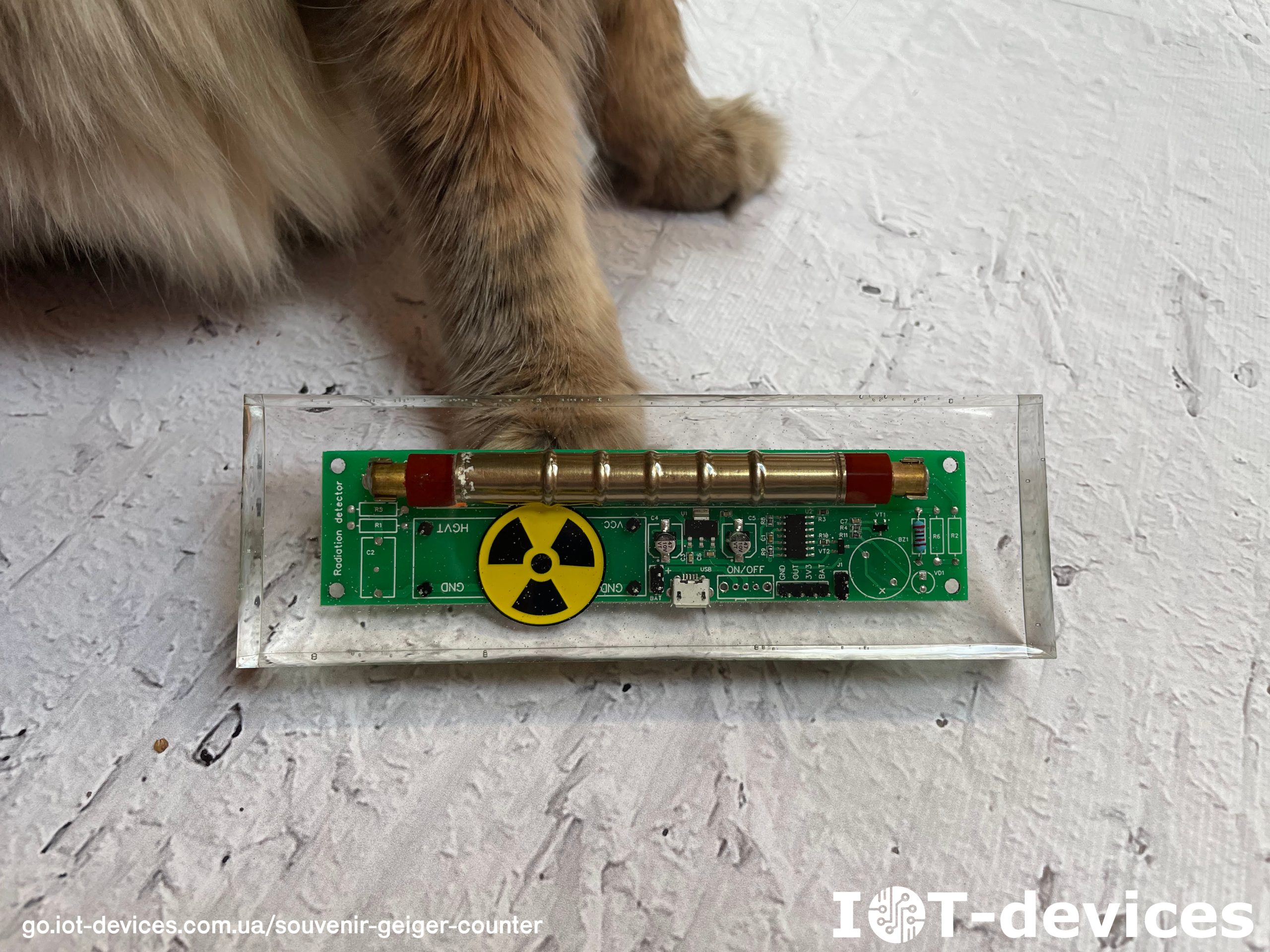
We have good news! For two months, we have been collecting and analyzing statistics for the pilot batch of the charity product GGreg20_ES - Epoxy souvenir Geiger counter and have…
може сховати лістинг у акордеон?
####### ggreg20_esp8266_esphome.yaml #####
esphome:
  name: esphome_node1 # Controller Unique Name
  platform: ESP8266 # Platform type you have to select when creating new yaml-config in ESP Home
  board: nodemcuv2 # Controller type you have to select when creating new yaml-config in ESP Home

wifi:
  ssid: "YourWiFiSSID"
  password: "SSIDPassword"

  # Enable fallback hotspot (captive portal) in case wifi connection fails
  ap:
    ssid: "Esphome Node1 Fallback Hotspot"
    password: "Cpxg9hRIBU7M"

captive_portal:

# Enable logging
logger:

# Enable Home Assistant API
api:
  password: "APIpassword"

ota:
  password: "OTApassword"

# Just embedded test D3 (GPIO0) button on every ESP8266 Devboard
# You can press D3 button several times to simulate incoming GGreg pulses
binary_sensor:
  - platform: gpio
    name: "D3 Input Button"
    pin:
      number: 0
      inverted: True
      mode: INPUT_PULLUP

# Here we calc and include to the firmware a power and doze values of ionizing radiation as sensor outputs
sensor:
- platform: pulse_counter
  pin: D3
  unit_of_measurement: 'mkSv/Hour'
  name: 'Ionizing Radiation Power'
  count_mode:
    rising_edge: DISABLE
    falling_edge: INCREMENT
  update_interval: 60s
  accuracy_decimals: 3
  id: my_doze_meter
  filters:
    - sliding_window_moving_average: # 5-minutes moving average (MA5) here
        window_size: 5
        send_every: 5
    - multiply: 0.0054 # SBM20 tube conversion factor of pulses into mkSv/Hour
- platform: integration
  name: "Total Ionizing Radiation Doze"
  unit_of_measurement: "mkSv"
  sensor: my_doze_meter # link entity id to the pulse_counter values above
  icon: "mdi:radioactive"
  accuracy_decimals: 5
  time_unit: min # integrate values every next minute
  filters:
    - multiply: 0.00009 # obtained doze (from mkSv/hour into mkSv/minute) conversion factor: 0.0054 / 60 minutes = 0.00009; so pulses * 0.00009 = doze every next minute, mkSv.
####### END of ggreg20_esp8266_esphome.yaml #####